The team is now working on the WordPress Interactivity API. This unblocks the same UX Frontity framework enabled but directly in WordPress Core, fully compatible with the new Site Editor.
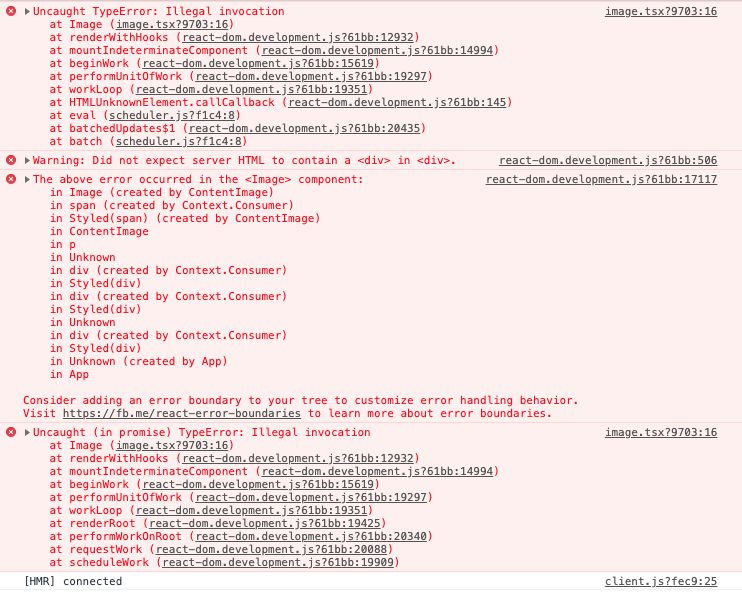
On a fresh install, I’m getting the following errors on both wp.com and hosted WP JSON. This only happens on actual posts containing an image, so everything else seems to work so far.
Including a picture instead because the code editor here was insane.
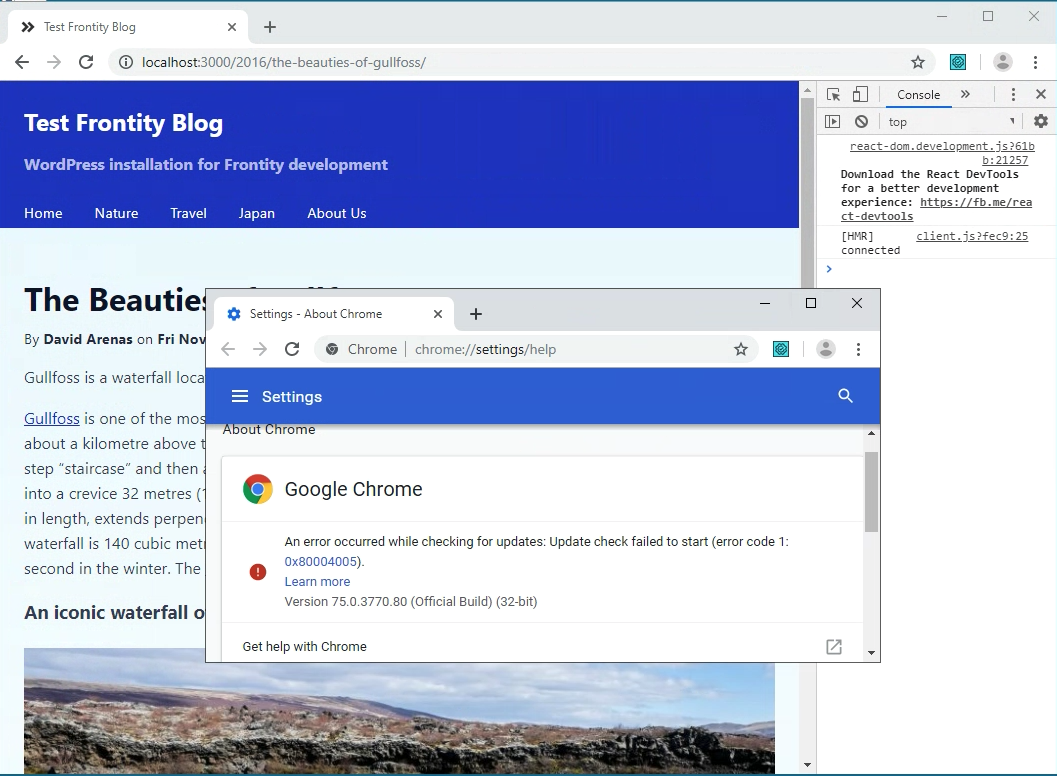
It fails in Chrome (normal, incognito, and new profile). Still works on other browsers.
Are you aware of something different in your system/configuration?
The system/config is not that too modified. Chrome extensions have no effect. It still doesn’t load after opening the site in Incognito mode or after creating a new profile. However, when accessing the site on another PC, it loads on their Chrome. Must be something in my Chrome settings. I’ll let you know.
What version of @frontity/components do you have installed?
– You can check it with npm ls @frontity/components .
@frontity/components@1.1.7 is the latest version so that’s ok.
Are you using any flags? (chrome://flags/)
luisherranz15
No problem. We’ll find the problem sooner or later
espidesigns16
I had flags enabled for “Enable lazy image loading”, “Enable lazy frame loading” and “Allow invalid certificates for resources loaded from localhost”. But when I disabled them nothing happened. Even after I reset all the flags to default.
espidesigns17
@luisherranz Good news. I’m now able to load mars.frontity.org and my local site in Chrome after I cleared my internet data and junk in Chrome. Whew!
Thanks for all your help. Cheers!
3 Likes
luisherranz18
Hey @espidesigns, I’m glad you solved it. Sorry for the delay in my answer
I’m going to test those flags here to see if we can figure out what may have caused the issue.
David19
Yesterday, after my Chrome browser had updated to Version 76.0.3809.100 I started to get the same error. I disabled the Enable lazy image loading flag in chrome://flags (now it comes enabled by default) and then it worked as expected.
I think It wouldn’t be a good idea to ask users to deactivate it in order to use Frontity, it’s necessary to make Frontity compatible with that flag so I will investigate to see what can be done to fix this issue. @luisherranz, did you investigate anything about this flag?
In the meantime, the Enable lazy image loading flag should be disabled while developing with Frontity.
luisherranz20
It is the native lazy load flag.
We need to make it work because it will be enabled by default in Chrome 77.